Start Your Electric Toothbrush Project
Tell us your product requirements and target market. We will review the details and reply with the relevant next steps.

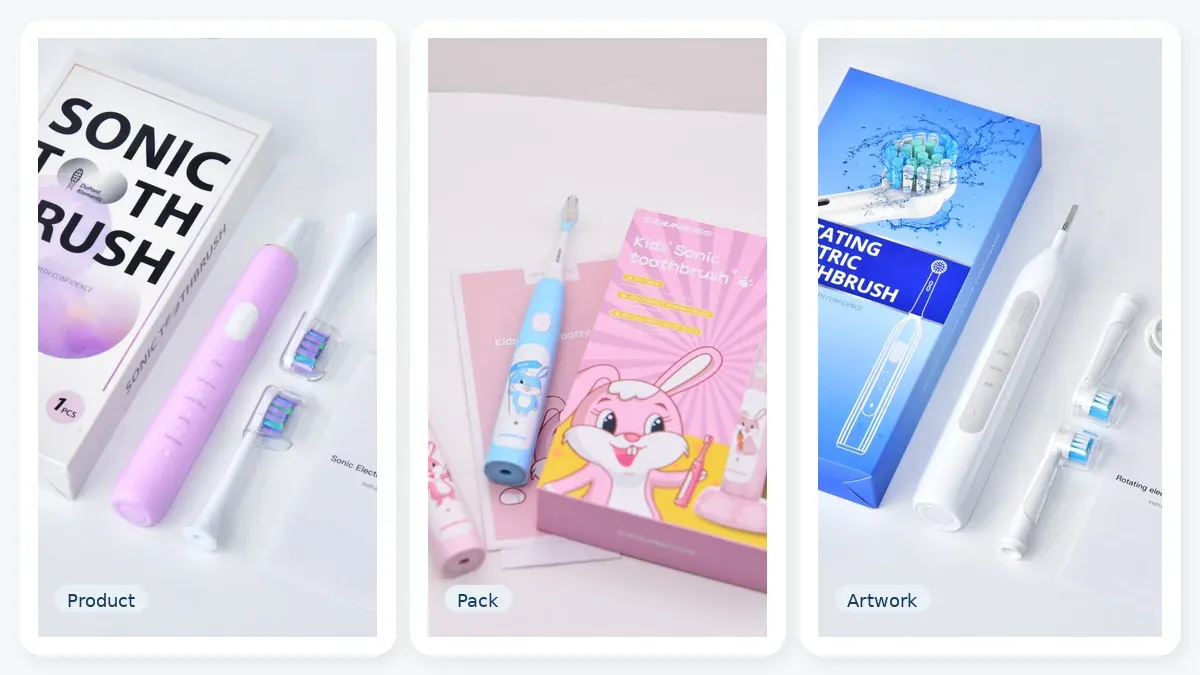
Packaging artwork is not only visual design.
Before a designer starts placing text, claims, images, symbols or barcodes on a carton, the buyer needs a controlled baseline for the sellable product configuration.
That baseline should identify the product, SKU, pack contents, target market, language version, technical data source, intended claims, packaging structure and artwork revision.
The design file should communicate approved product information. It should not become the place where that information is invented, guessed or independently maintained.
For B2B oral-care projects, this distinction can reduce avoidable artwork revisions and help keep packaging aligned with the product that will actually be supplied.
Artwork becomes difficult to control when the product itself is still changing.
Before design begins, the buyer should have a reasonably stable definition of:
If these fields continue changing during layout development, the artwork may need repeated revision.
The first artwork question is therefore not:
“What should the box look like?”
It is:
“Which exact sellable configuration is this box describing?”
Packaging structure and packaging artwork are related, but they are not the same task.
Packaging structure covers questions such as:
Those decisions are covered in the Oral-Care Packaging Guide for OEM Projects.
Packaging artwork planning begins after the packaging direction is sufficiently defined.
It controls what information appears on the structure and which approved source each information element comes from.
A practical sequence is:
Product configuration → Packaging structure → Dieline → Content planning → Artwork → Approval → Print release
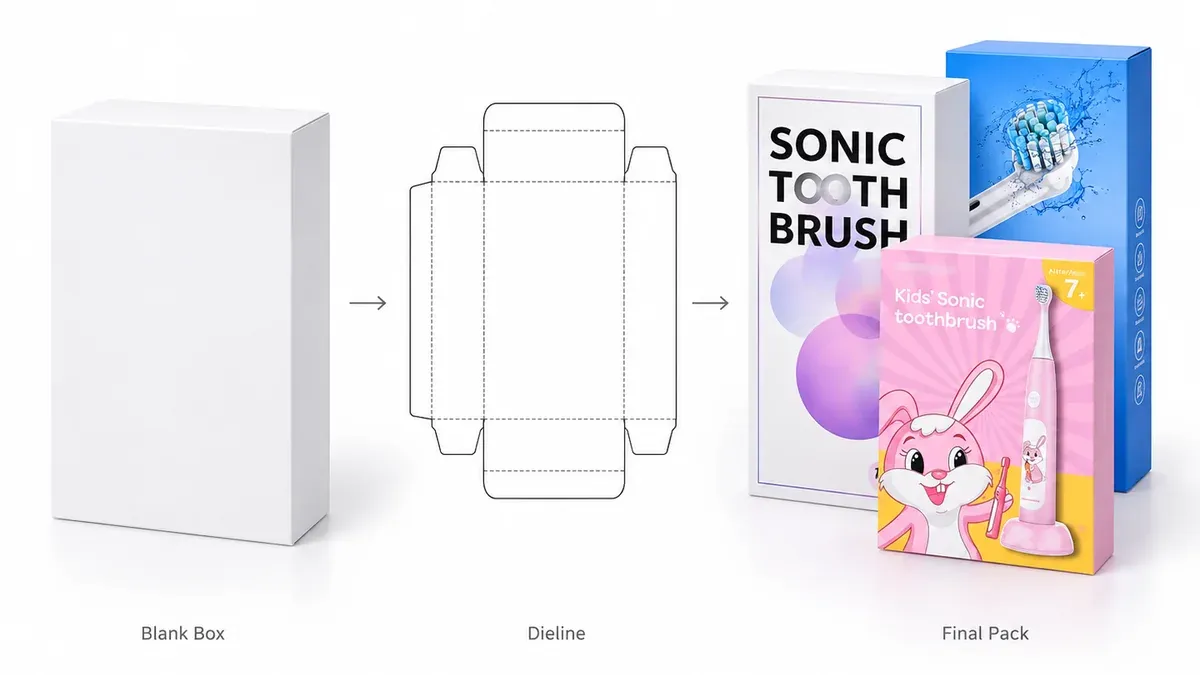
A dieline is the structural layout supplied by the packaging manufacturer or converter.
Depending on the pack, it may show:
Artwork is then built on top of that structure.
A product label, rating label, manual, retail carton and master carton may each have their own files and revision history.
Do not assume one PDF controls the entire packaging system.
Before graphic layout begins, confirm that the designer is using the current supplier-issued dieline and the correct packaging revision.
Designing against an estimated box size or an outdated dieline can create unnecessary rework later.
The examples in this guide use a simple illustrative configuration:
An identification block might look like this:
Product Name: Sonic Electric Toothbrush
Model: X100
SKU: X100-WH-2H
Color: White
Pack Contents: 1 Handle / 2 Brush Heads / 1 Charging Cable / 1 User Manual
Target Market: Market A
Language: EN
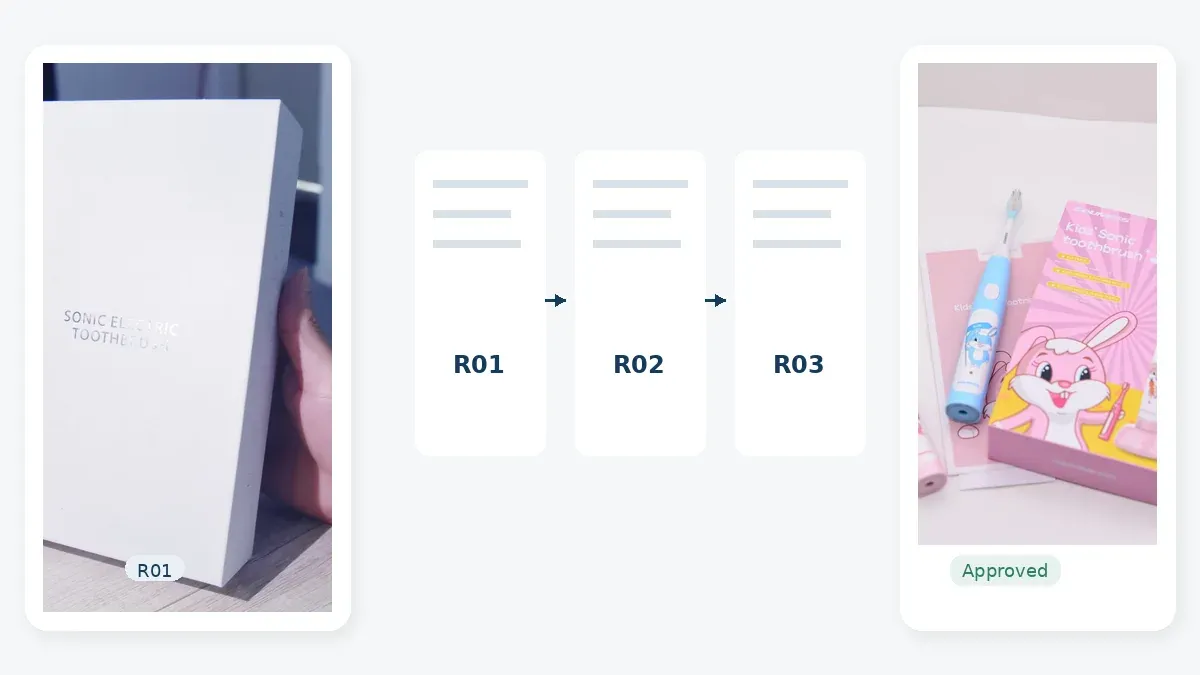
Artwork Rev: R03
These values are illustrative only.
The important principle is that every field should already have an agreed source outside the artwork file.
The artwork displays the information.
It should not be the only place where the information is stored.
A Packaging Artwork Content Matrix is one of the most useful ways to organize packaging information before layout begins.
It identifies:
| Information Element | Source of Truth | Typical Owner | Usually Appears On | Common Risk |
|---|---|---|---|---|
| Product name | Approved product brief / product record | Buyer | Carton, manual | Marketing name differs between files |
| Model number | Controlled product specification | Buyer + supplier | Carton, product marking, manual | Wrong or obsolete model used |
| SKU / item code | Buyer’s SKU register | Buyer | Carton, master carton | One artwork reused incorrectly across variants |
| Barcode / GTIN where used | Buyer’s identifier records | Buyer | Carton, master carton | Code belongs to another sellable configuration |
| Pack contents | Approved bundle configuration | Buyer + supplier | Carton, manual | Accessories changed after artwork began |
| Color / variant | Approved configuration | Buyer | Carton | Variant difficult to distinguish |
| Charging information | Controlled product specification | Supplier input + buyer review | Carton, manual | Wrong charger or charging method shown |
| Product image | Approved final photo or render | Buyer | Carton | Image shows old revision or extra accessories |
| Compatibility wording | Verified compatibility scope | Buyer | Carton, manual | Wording exceeds verified scope |
| Product claims | Supporting evidence / approved claim list | Buyer / responsible reviewer | Carton, manual | Unsupported or outdated claim used |
| Instructions / warnings | Controlled market-specific content | Responsible reviewer | Manual, carton where applicable | Copied from another model |
| Symbols / marks | Product and market review | Responsible reviewer | Carton, product, manual | Symbols copied without confirming applicability |
| Company details | Current approved business information | Buyer | Carton, manual | Old company or address information |
| Origin information where applicable | Approved trade / product information | Buyer + supplier | Carton or shipping documents where applicable | Inconsistent information |
| Language version | Market-language plan | Buyer | Carton, manual | Wrong or incomplete language version |
| Artwork revision | Artwork revision log | Buyer / project owner | Artwork file and approval record | Obsolete file printed |
The matrix works best when two rules are followed.
First, each factual field should have a defined source.
Second, someone should be responsible for approving it.
“The designer received it from somewhere” is not a reliable control method.
Not every sentence on a package has the same source.
It helps to separate packaging content into four groups.
Examples:
Examples:
Examples may include:
These requirements vary by product and market.
Examples:
Separating these groups helps prevent a graphic designer from being asked to decide technical or market requirements.
Artwork should use technical information from the controlled product configuration.
Do not rely automatically on:
Common artwork errors include:
The package may look professional while describing the wrong product.
For electric toothbrush projects, the controlled technical fields should come from the final product definition.
See Electric Toothbrush Product Specifications for the broader specification framework.
A product claim should not appear on packaging simply because:
Before approving a claim, identify:
Claims that may require particular care include:
For example, an ingress claim should relate to the actual product configuration supported by the relevant evidence.
A battery-runtime statement should reflect the basis used to define that runtime.
An environmental claim should identify the actual attribute being claimed rather than relying on vague wording such as “eco-friendly.”
For the evidence-review stage, see How to Review Oral-Care Product Test Reports Before OEM Approval.
Destination market should be known before artwork is finalized.
Depending on the actual product and market, differences can include:
Do not assume one universal packaging layout applies to every EU, US, UK or other market.
Instead, define a market-language plan.
For example:
| Market Version | Language Set | Product Configuration | Packaging Version |
|---|---|---|---|
| Market A | EN | Configuration A | Artwork A |
| Market B | EN + Local Language | Configuration B | Artwork B |
| Market C | Multilingual | Configuration A | Artwork C |
This does not mean every market always requires separate packaging.
It means the buyer should identify where content or configuration differs before artwork is approved.
An internal SKU and a barcode identifier are not the same thing.
The SKU is normally an internal business identifier.
A GTIN is a trade-item identifier used within GS1 systems.
A barcode is the machine-readable carrier used to encode identification data.
Depending on the channel and business system, different product variants or pack configurations may require different identifiers.
Examples that may need separate review include:
Do not copy a barcode from another SKU simply because the products look similar.
Before artwork approval, confirm:
Barcode placement should also avoid folds, seams, obstruction and unsuitable package geometry.
Exact implementation requirements should be confirmed for the intended sales and logistics channel.
Replacement brush heads and compatible accessories need especially careful packaging wording.
Before design begins, define:
Compatibility wording should describe the verified scope accurately.
It should not imply authorization, endorsement or affiliation that does not exist.
For broader compatibility and sourcing questions, see the Replacement Brush Head Sourcing Checklist.
Packaging often shows the product before the final production photo exists.
A render can be suitable when the visible configuration is already controlled.
A physical photo can be useful where actual:
needs to be shown accurately.
The key issue is not whether the artwork uses a render or a photo.
It is whether the image represents the actual sellable configuration.
Before artwork release, check:
Do not approve packaging that shows accessories customers will not receive.
Artwork files can become difficult to control across models, markets, languages and revisions.
File names such as:
final.pdf
final-new.pdf
final-final.pdf
final-correct.pdf
do not identify what is actually inside the file.
A practical naming logic might be:
Brand_Product_Model_Market_Language_Pack_Rev
For example:
Brand_SonicHandle_X100_MarketA_EN_2Head_R03
This is only an example, not a required universal format.
The important information is:
Possible artwork statuses include:
At any point, the team should be able to identify which artwork revision is currently approved for each sellable configuration.
“Artwork approved” can mean several different things.
Separate the review into clear scopes.
Checks:
Checks:
Checks, where applicable:
Checks:
These approvals may be combined within one project workflow.
The important point is to know what has actually been approved.
Artwork approval does not automatically mean the product itself, the packaging structure or every compliance question has also been approved.
A buyer-level workflow can look like this:
A physical print proof is not necessary for every project or every revision.
Its use depends on the printing process, color sensitivity, materials, finishing, commercial risk and project requirements.
Not every product change requires a complete packaging redesign.
But a change should trigger an artwork impact check when it affects information or images on the pack.
Examples include:
Ask one simple question:
Does this change affect any printed content, image, identifier, language, claim or approval baseline?
If yes, artwork should be reviewed.
This connects directly with the broader revision-control principles described in Golden Sample Approval for Oral-Care OEM Projects.
| Buyer Mistake | Why It Creates Rework | Better Practice |
|---|---|---|
| Starting design before the product configuration is stable | Contents, images and technical data keep changing | Stabilize the sellable configuration first |
| Starting design before the current dieline is confirmed | Layout may not match panels, folds or print areas | Use the current supplier-issued dieline |
| Treating the artwork file as the source of truth | Product data becomes duplicated and uncontrolled | Maintain controlled product and SKU records |
| Copying supplier brochure specifications | The brochure may describe another model or revision | Use the final-SKU specification |
| Asking the designer to choose technical claims | The designer cannot verify product evidence | Provide approved wording and evidence path |
| Copying symbols from another product | The symbols may not apply to this product or market | Confirm applicability for the actual configuration |
| Adding barcode information at the end | Can create identifier and layout conflicts | Plan SKU and barcode direction early |
| Using an old render | Pack may show the wrong color, charger or accessories | Approve imagery against the sellable configuration |
| Using one untracked file for multiple variants | Wrong content can reach the wrong SKU | Maintain controlled versions for affected variants |
| No artwork revision record | Obsolete files can return to circulation | Use revision, status and approval records |
| Treating artwork approval as product approval | Other project controls may still be unresolved | Keep approval scopes clear |
Before sending a packaging project to the designer, confirm these ten areas.
Know:
Know exactly what is included:
Define:
Define:
Identify the controlled source for:
Define:
Prepare:
Confirm:
Confirm:
Decide who approves:
If these inputs are reasonably stable, the designer can focus on design instead of resolving product-management questions.
At minimum, define the product identity, SKU or variant, pack contents, target market, language scope, packaging structure, technical-data source, intended claims and artwork approval ownership.
The exact requirements depend on the product and market.
Usually, final artwork should use the current approved packaging structure and dieline.
Early visual concepts can be explored before then, but completing production artwork against an estimated or obsolete structure creates unnecessary revision risk.
The dieline defines the physical packaging geometry.
Artwork places graphics, text, product information, images, identifiers and other content onto that controlled structure.
Technical information should come from the controlled product source agreed for the project.
The supplier may provide product data, while the buyer and other responsible reviewers confirm which information is approved for use on the final SKU.
No.
The designer can determine how approved claims are presented visually.
The product, commercial and responsible review teams should determine which claims are appropriate, accurate and supported.
Sometimes.
Different markets can require different languages, product configurations, company information, warnings, symbols or other content.
Whether separate artwork files are needed depends on the actual differences.
Barcode and SKU planning should be addressed early enough that the correct identifier and required placement can be included without disrupting the final layout.
Exact requirements depend on the relevant sales and logistics channels.
Possibly, if the printed information is genuinely identical and the product/identifier strategy supports it.
Where color, pack count, model, language, barcode, accessory bundle or other printed information differs, separate controlled versions may be needed.
Use a clear revision code, status, date and approval record.
Keep one identified approved version in circulation for each applicable configuration and clearly retire superseded files.
Prepare the product configuration, pack contents, market-language plan, technical data source, intended claims, SKU and barcode direction, current dieline and approval responsibilities before final artwork begins.
Controlled inputs make artwork easier to review, revise and release without asking the designer to resolve product-definition questions.
For project-stage planning and approval resources, see Project Resources.